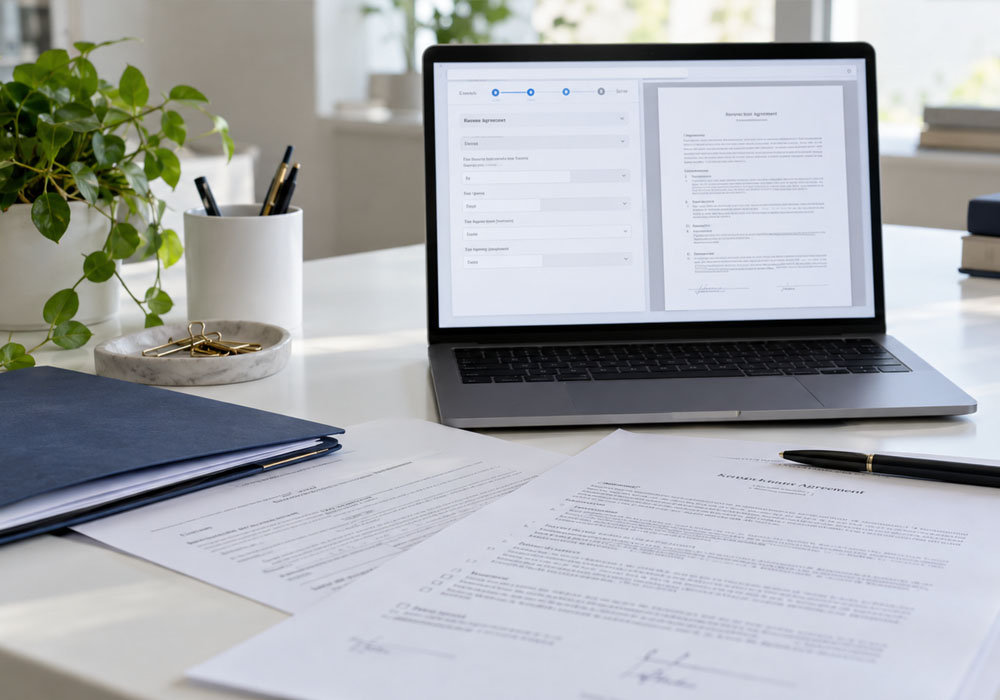
Legal templates are useful only when the right details make it into the right places. In contracts, pleadings, discovery responses, and client letters, one wrong name or old clause can create extra review work. Automation helps fill repeat fields, apply preset rules, and keep approved language consistent. This article explains how that process turns a basic template into a cleaner draft for legal review.
A template works best when the key sections are already clear. Legal document automation helps with turning those sections into a guided document process. Advanced tech can align with day-to-day legal work by using matter details, standard clauses, and review steps already common in the firm. Instead of editing every line by hand, the system can place details where they belong. That may help reduce errors from old drafts.
Use Client and Matter Details
A ready document needs correct facts. Automation tools can pull matter details from forms, intake records, or uploaded files. Those details can then appear across the draft in the right fields. This aids in cutting repeat data entry.
For example, a client name may appear in the caption, body, signature block, and cover letter. Manual edits across all those places can take time. If one field controls each mention, the draft stays more consistent. That can help staff prepare files with fewer corrections.
Add Logic for Clause Selection
Templates become more useful when they respond to facts. A contract may need a different clause based on payment terms. A discovery response may need a different objection based on scope or privilege. Logic can help choose the right text for the draft.
Common Logic Points
Legal teams may set rules for:
- Matter type
- Jurisdiction
- Party role
- Date range
- Document type
- Required clause
This keeps the template from feeling rigid. Staff can answer guided questions and receive a more complete draft. The result still needs legal review. The system simply helps place the right sections faster.
Create Consistent Drafts Across the Team
Different team members may edit templates in different ways. That can lead to style changes, missing text, or mismatched terms. Automation can help keep approved language in place across similar documents. It may help improve consistency before final review.
This is useful for teams that handle repeat matters. Estate plans, leases, discovery responses, client letters, and NDAs can all follow set patterns. A shared template process gives staff the same starting point. Attorneys can focus more on substance and less on cleanup.
Move From Draft to Final Review Faster
A ready-to-use document should still pass through review. Automation can prepare the first version with key fields, clauses, and format already in place. That gives the reviewer a cleaner file to check. It can also reduce time spent on simple corrections.
Legal document automation may help firms handle document volume with less manual effort. It works best when templates are clear, and data sources are reliable. Teams should also update templates when laws, rules, or firm standards change. A good process keeps the document useful after the first draft.
Templates save time only when they are easy to use, update, and review. Automation adds structure by placing facts, clauses, and standard text into the right parts of a draft. The legal team still checks accuracy, tone, and legal fit before the document goes out. With a clear setup, routine templates can become ready-to-use documents with fewer edits.